> ## Documentation Index
> Fetch the complete documentation index at: https://docs.launchmc.com/llms.txt
> Use this file to discover all available pages before exploring further.
# Player Flow - For latency purposes.
> Let's show you how it looks on the player's prospective.
# Visiting your custom subdomain.
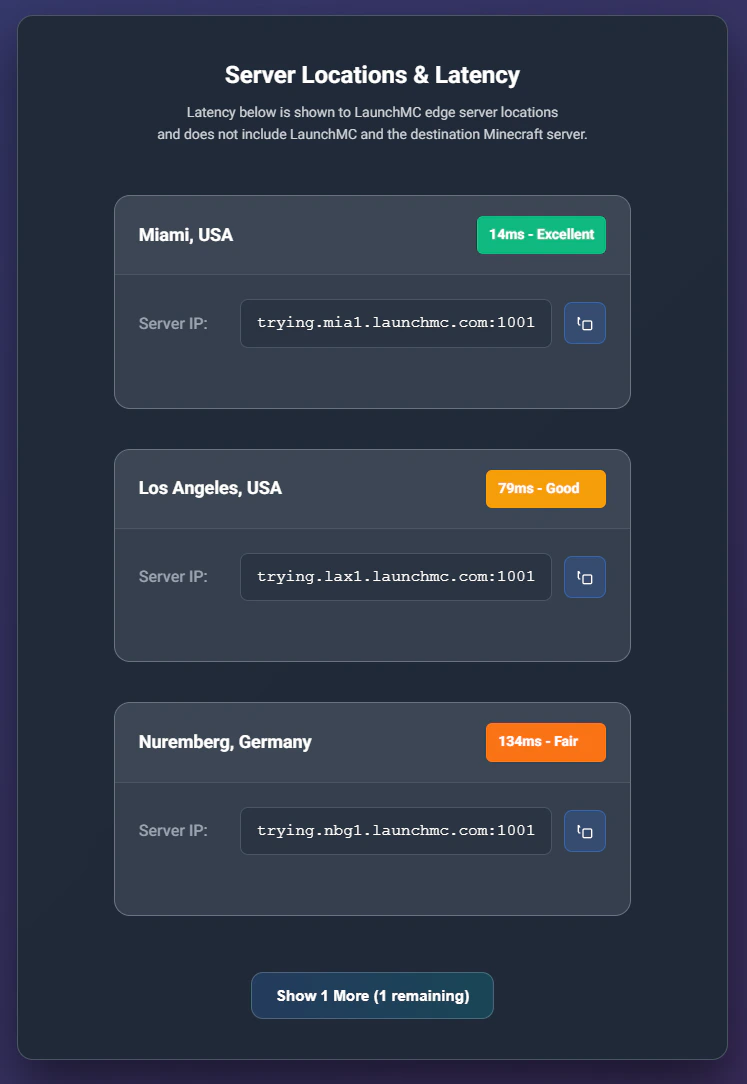 Player is shown this custom page with your custom BG image. Which does multiple routing and performance checks to ensure the best server.
## Connection information.
The player can now select the best edge server to play and enjoy!.\
\
Thank you and enjoy!
**Need help?** Join our [discord ](https://discord.launchmc.com)for support.
Player is shown this custom page with your custom BG image. Which does multiple routing and performance checks to ensure the best server.
## Connection information.
The player can now select the best edge server to play and enjoy!.\
\
Thank you and enjoy!
**Need help?** Join our [discord ](https://discord.launchmc.com)for support.